The Era of Online Tools That Skip the Server: How WASM Delivers Blazing Speed and Real Privacy
Have you ever lost time staring at an upload progress bar while trying to process a large batch of images or heavy files? Cloud-based tools are convenient, but the time spent waiting for uploads is a genuine drain on productivity. And behind that frustration lies a more serious question: where exactly does your data go?
This article explains WebAssembly (WASM) — the technology that makes it possible to run heavy processing directly in your browser, with no server involved. By the end, you will understand how modern browser-based tools can be both faster and fundamentally more private than their cloud counterparts.
The Three Limits of Traditional Online Tools
Image compressors and file converters are easy to reach for, but they share a structural weakness: your data must travel to a server before anything happens.
"Is it really safe to upload a confidential file to a free website?" — this instinct is not paranoia. It is sound risk management.
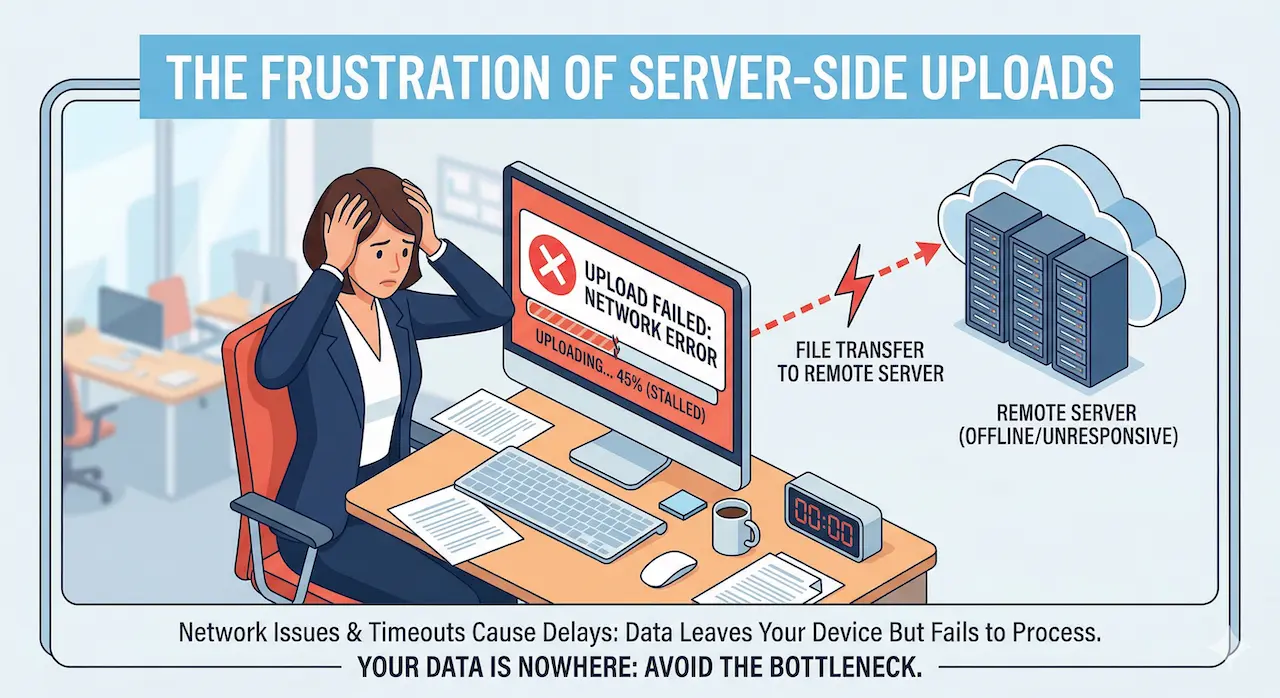
Server-dependent tools expose users to three consistent failure points:
- Slow connections turn uploads into multi-minute ordeals, especially for large batches
- Data may persist on the server after processing, creating a lasting exposure risk
- Traffic spikes or outages can halt your work entirely at the worst possible moment
WASM: Turning Your Browser into a Specialist
WebAssembly is the technology that changes this equation at the root.
In plain terms: WASM is a near-native speed runtime that lives inside your browser. If a conventional browser is a general-purpose office worker, WASM is a skilled specialist brought in for a specific job — working entirely on your machine, with no round-trips to the outside world.
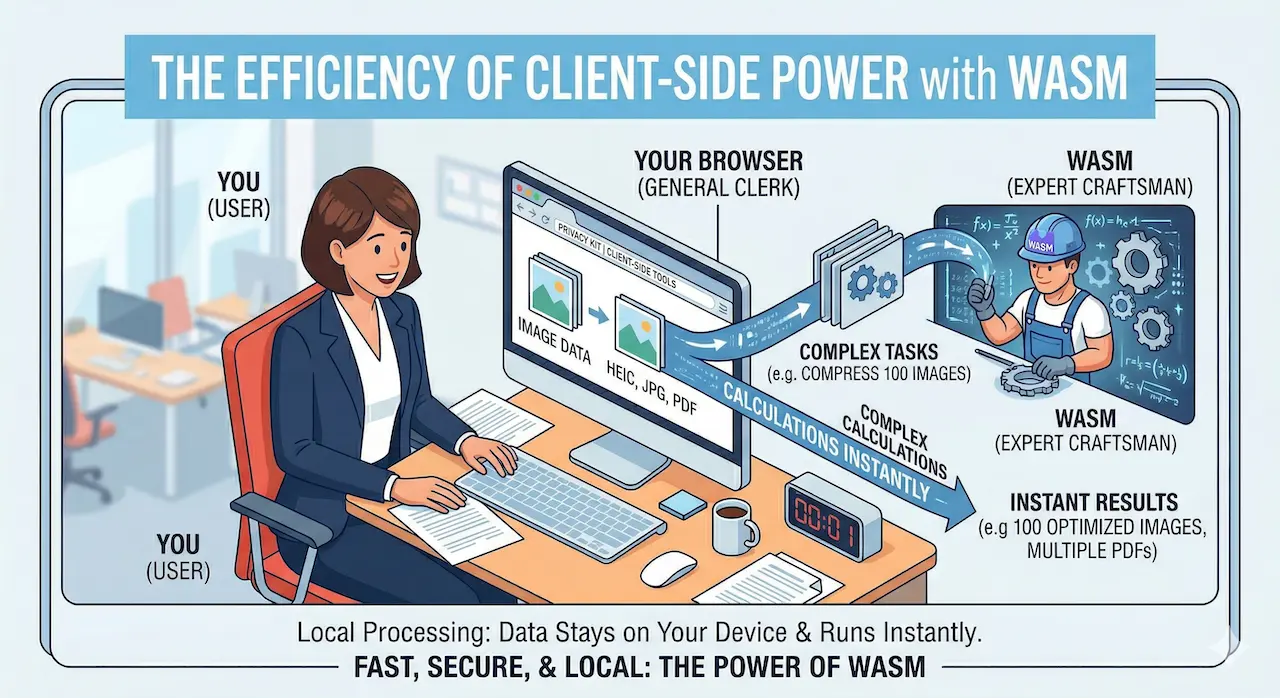
Tasks that previously required a dedicated desktop application — image compression, PDF manipulation, video conversion — can now run at near-native speed the moment you open a web page. Your files never leave your device. There is nothing to upload, and nothing to wait for.
Before and After: What the Difference Actually Looks Like
To make this concrete, consider compressing 100 high-resolution images — a routine task that reveals the gap clearly.
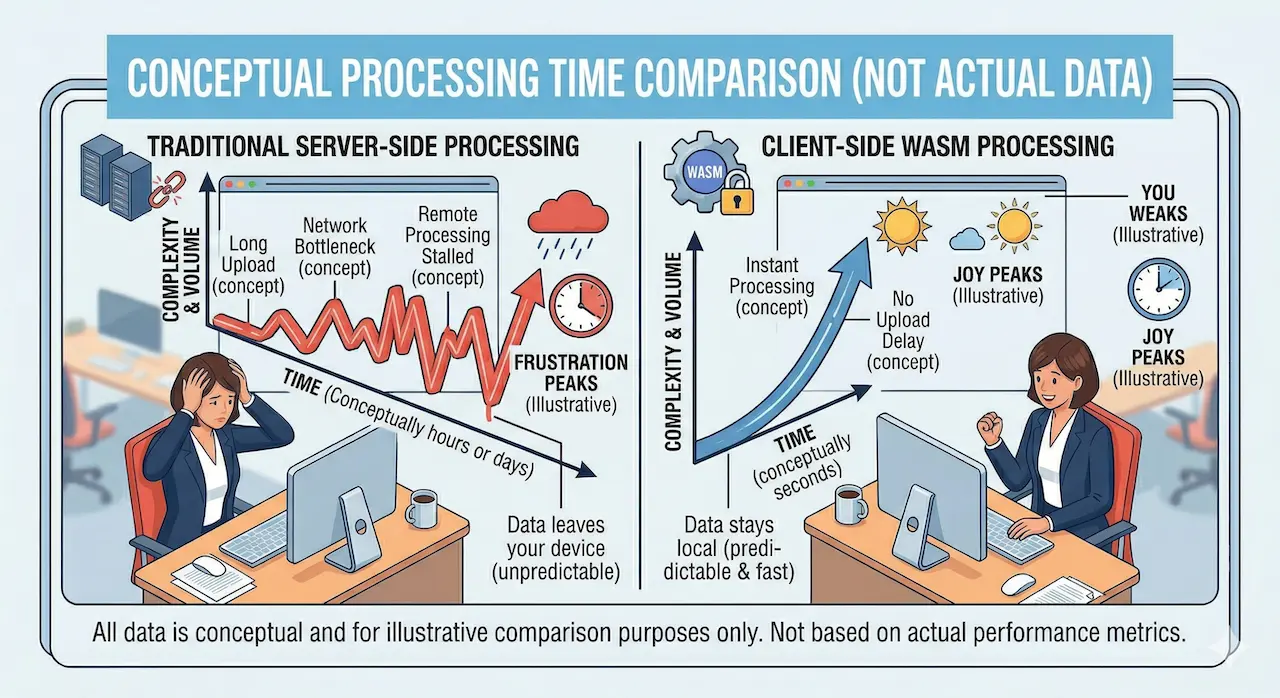
- Before — Speed: Upload latency alone pushes 100 images past the 10-minute mark
- After — Speed: Local computation finishes in seconds to tens of seconds, with no waiting
- Before — Security: Confidential files cannot be uploaded at all under many organizational policies
- After — Security: Data never leaves the device, so there is nothing to restrict or worry about
Zero waiting. Zero exposure risk. No installation required. This is the practical value WASM brings to everyday file work.
What This Means for How You Work
The assumption that heavy processing requires dedicated software is becoming obsolete. A browser-based tool powered by WASM can match or exceed what a desktop application delivers — without setup, without uploads, and without handing your data to a third party.
This is exactly the principle PrivacyKit is built on: tools that are fast because they run locally, and private because there is no server to send your data to. We are building across image, PDF, CSV, and developer tooling — all processing done entirely in your browser.
The next generation of file tools does not ask for your trust. It simply does not need it.